


Informasi Lelang
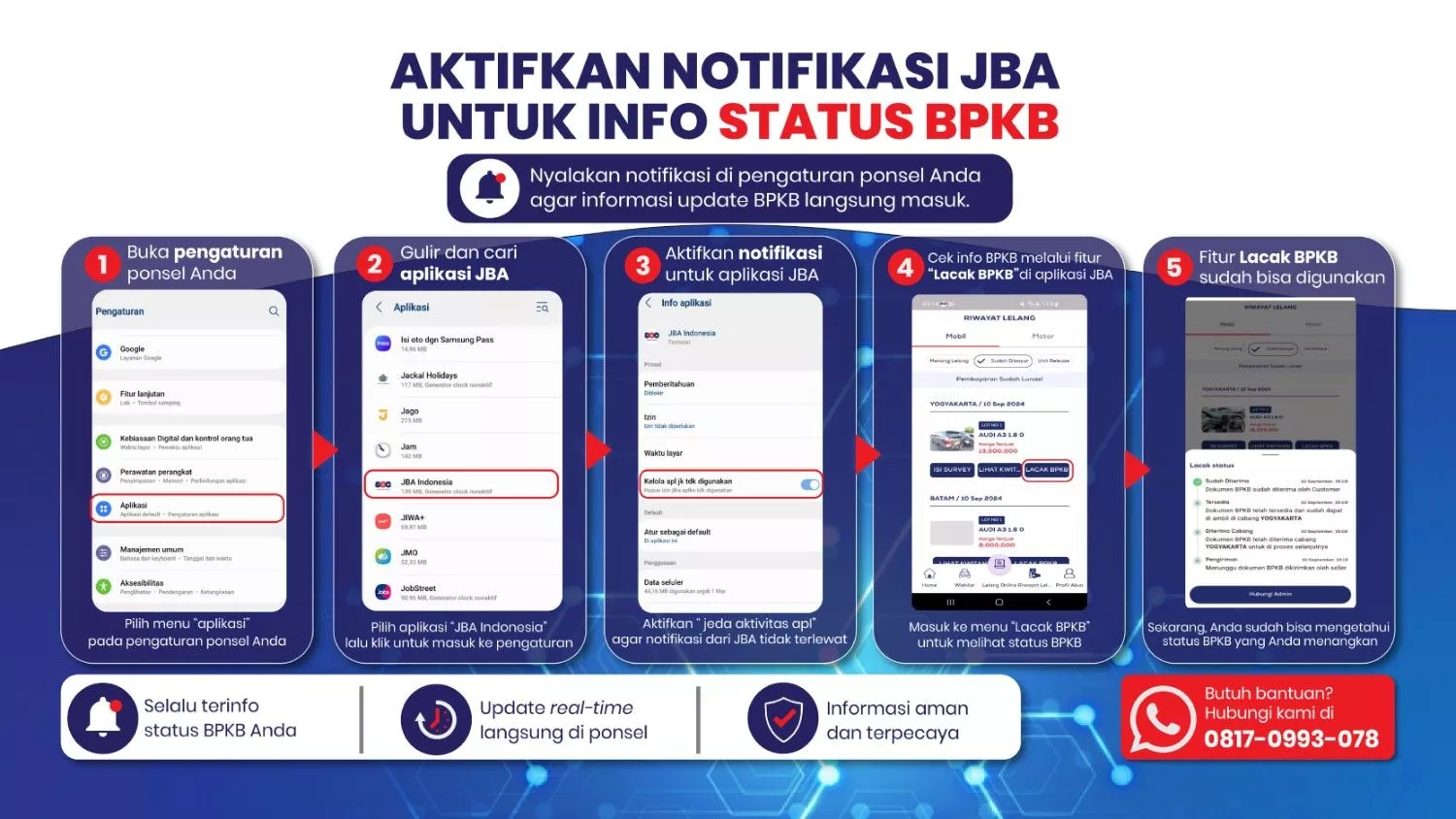
Fitur Terbaru di JBA, Kini Bisa Lacak Status BPKB Dengan Mudah
Find Your Dream Car in JBA Indonesia
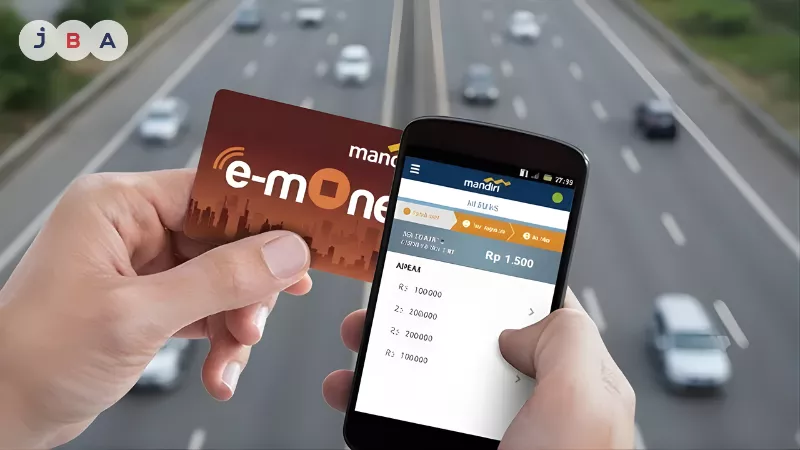
Knowing how to check e-Toll balance is essential for every driver, especially those who routinely travel toll routes such as Trans-Java or Trans-Sumatra. One common issue at toll gates is insufficient electronic card balance, which hinders travel flow. To avoid queues and transaction obstacles, ensure your e-Toll balance is checked via smartphone and sufficiently topped up before you enter the toll road.
Today's technology has made it easier for us to monitor remaining balances in real-time. Thanks to the Near Field Communication (NFC) feature on mobile phones, checking e-money cards no longer requires you to find an ATM or a minimarket. Within seconds, balance information will appear on your phone screen.
Preparation is the key to driving comfort. Knowing how to check e-Toll balance before starting your journey is crucial for several reasons. First, time efficiency. Queues at toll gates due to empty balances often take a long time, not only for you but also for other road users. Second, safety. Stopping in the middle of a toll gate to perform an emergency top-up is very risky for traffic safety.
With the advancement of banking applications and digital platforms, your phone can now function as a personal "terminal" for all electronic money matters. In addition to checking, most applications also provide balance update and instant top-up features that are very helpful in emergency situations.
Almost all methods of checking the balance directly from a physical card to a phone require the NFC (Near Field Communication) feature. This feature allows the phone to read the chip embedded in the electronic money card (such as e-mOney, Flazz, or Brizzi) with just a single tap.
For those who are not used to it, activating the NFC feature is quite easy. For Android users, simply swipe down from the top of the screen to open the Quick Settings menu, then find and tap the NFC icon until it turns blue/active. If it is not there, you can go to Settings > Connections > then slide the NFC toggle to the On position.
Meanwhile, for iPhone users (series 7 and above), the NFC feature is usually active automatically and will work when the balance-checking application asks you to tap the card. Once active, here is how to check your e-Toll balance utilizing NFC technology:
Banking applications are the most accurate method as they connect directly with the card provider.
If you do not have the relevant bank application, online shopping platforms can be a very practical alternative.
Digital wallets also offer convenience for their users.
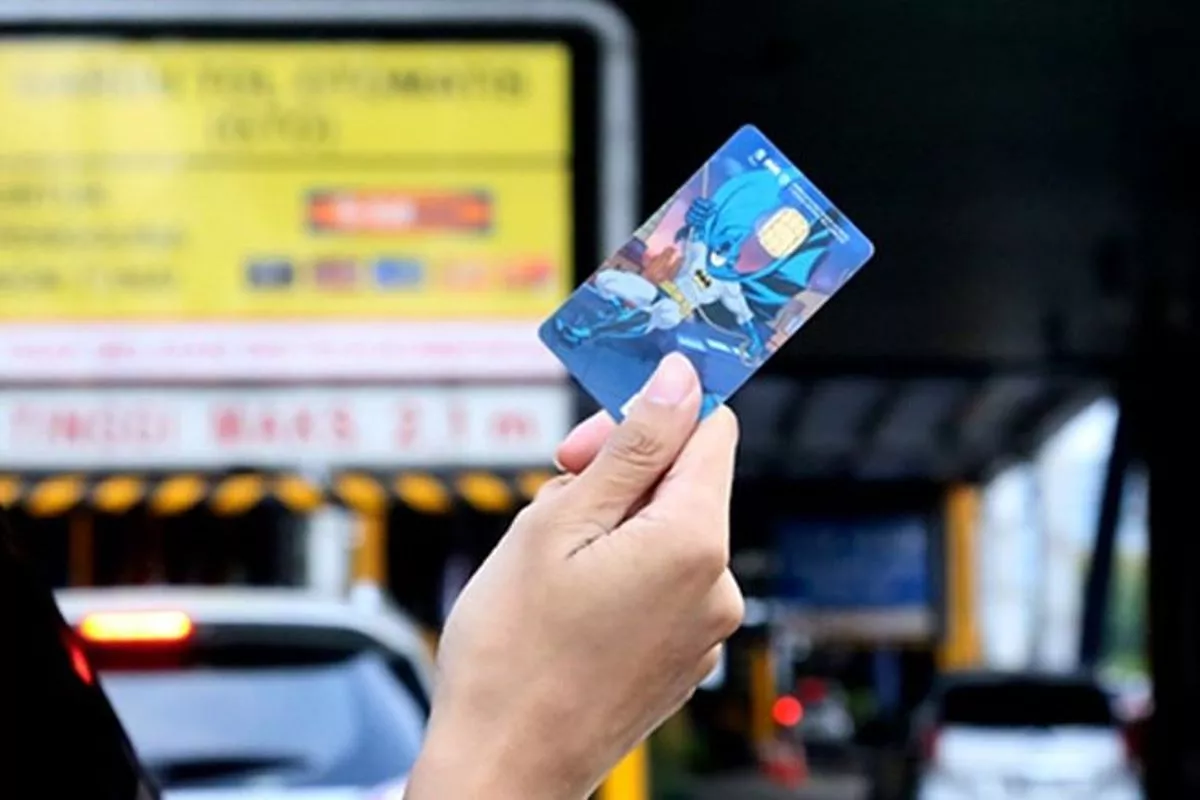
Sumber: otomotif.kompas.com
Although the NFC feature is now increasingly common, many users still have phones without this sensor. Don't worry, you can still find out the remaining balance through several conventional but effective ways:
In addition to having a sufficient e-Toll balance, the smoothness of your journey highly depends on the physical condition of your vehicle. If your current car is starting to experience frequent technical issues or feels less than reliable for long trips, maybe it is time to find a fresher replacement at JBA Indonesia.
As a leading auction house, JBA offers thousands of car units every week with a transparent process. Every vehicle has undergone a strict inspection by a professional team with an honest condition report, so you can get your dream car ready to hit the toll road without worry.
Check the car auction schedule on our website immediately or contact Customer Service via WhatsApp at +62 817-0993-078. Don't forget to follow JBA's official social media to stay updated on our selected units every week. Drive comfortably, keep your balance secure, and enjoy peace of mind!

 ?
?